
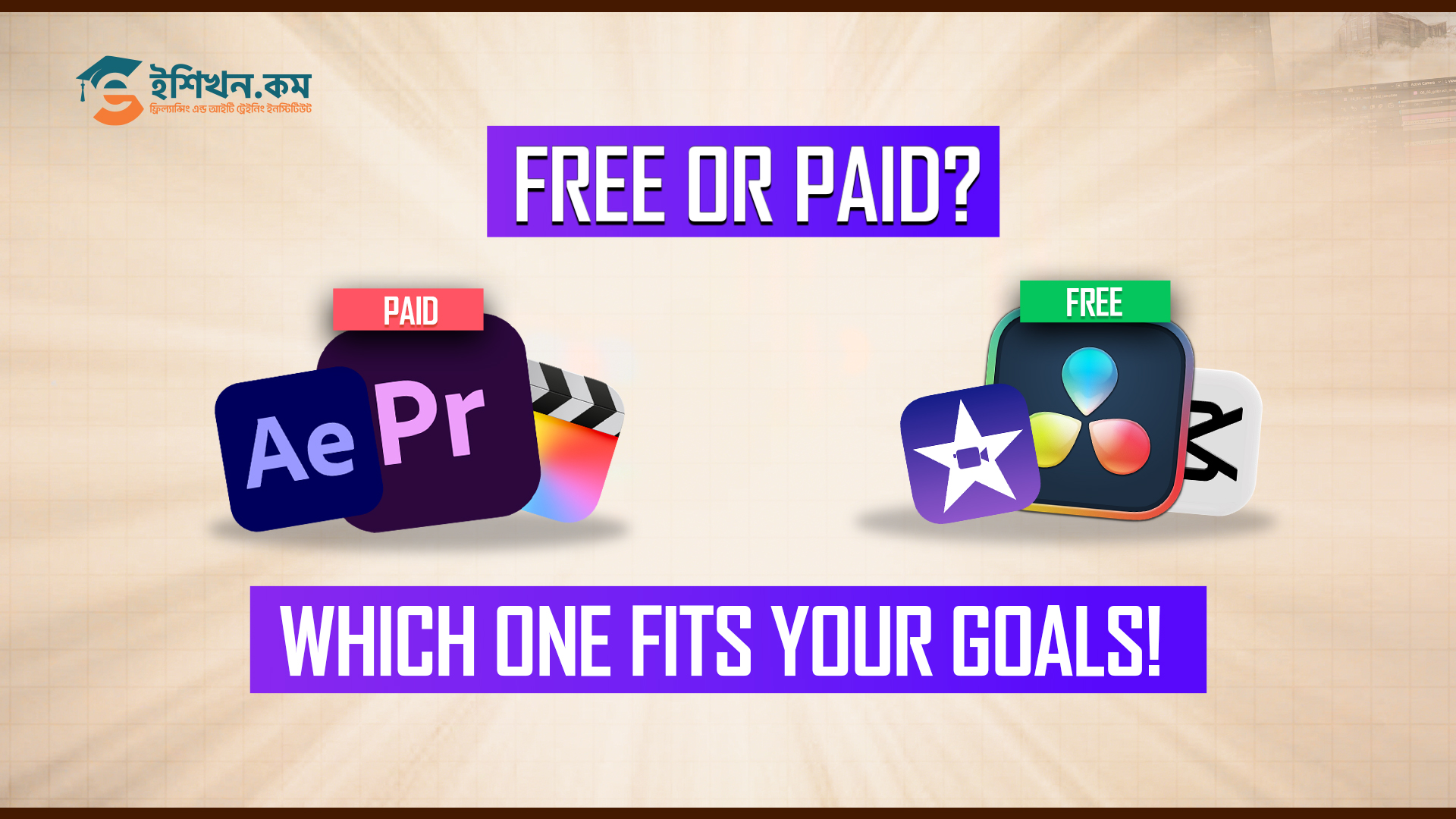
In this era, video editing is not just for beginners. People from every stage can need editing software for social media, marketing or personal projects.One common question most people ask is video editing free online vs paid software which one is better.
Choosing to use free online video editors or invest in commercial software depends on your intentions, financial capabilities and level of video editing skills. In this blog, we will outline the video editing free vs. paid software pros and cons, particularly for new editors.
Video Editing Free vs Paid Software Pros and Cons
Free online video editing tools work directly in your browser and usually do not require installation. On the other hand, paid video editing software needs to be installed on your device. It offers more professional features.
Free or paid both software have advantages and disadvantages in use. Let us break them down in a simple and beginner friendly way.
Free Online Video Editors Pros and Cons
In the primary stage, editing can be done with free online tools or software. They are easy to access and simple to use. But they also have limitations.
Advantages of Free Online Video Editors
Cost Friendly for Beginners
Without any investment, someone can use free online video editing tools. For this reason, they are very popular among users who want to learn without spending money.
Easy Accessibility
Free video editing tools can be used from any device anywhere with an internet connection. It doesn’t need any download or installation for use.
Beginner Friendly Interface
Most free online editors are designed with simple layouts, drag and drop features and ready made templates. This makes learning video editing less confusing for beginners.
Cloud Based Work
Projects are saved online, so you can access your work from different devices. This is helpful for quick edits and short content creation.
Ready Made Templates and Assets
Many tools offer basic templates, transitions and stock elements that save time for social media videos.
Disadvantages of Free Video Editors
Editing Features are Limited
Professional color grading, motion tracking or cinematic effects like advanced features are usually missing. This is one of the biggest disadvantages of free video editors.
Internet Dependency
Since these tools work online, slow internet can affect performance and exporting speed.
Watermark Issues
Some free tools add watermarks to exported videos, which reduces professional quality.
Export and Quality Limits
In some free tools, resolution and file format options may be limited. That can affect final output quality.
Privacy Concerns
Free tools have some privacy issues sometimes. Uploading videos to cloud platforms may not be ideal for sensitive or commercial projects.
Paid Video Editing Software Pros and Cons
For professional works, editors have to move to paid video editing tools. Paid video editing software is designed for creators who want more control, flexibility and professional output.
Benefits of Paid Video Editing Software
Advanced Editing Capabilities
Paid tools offer professional level features such as multi layer timelines, advanced effects, audio mixing, and color correction. This makes paid video editing software worth it for serious creators.
High Performance Editing
These tools handle large files and complex projects smoothly, even in high resolution formats like 4K.
No Watermarks
You can export videos without branding or restrictions, which is important for professional and commercial use.
Offline Editing
Paid software works without the internet, ensuring stable performance anytime.
Custom Workflow Options
Users can customize shortcuts, layouts, and plugins to match their editing style.
Disadvantages of Paid Video Editing Software
Higher Cost
Subscriptions or one time purchases can be expensive for beginners.
Learning Curve
Beginners may find paid software complex at first and need time or training to use it properly.
Hardware Requirements
Powerful computers are often needed to run paid software smoothly.
Less Portability
Projects usually stay on one device unless manually transferred.
Free vs Paid Software For Video Editing Comparison
| Feature | Free Online Editors | Paid Software |
| Cost | Free or limited free plans | Subscription or one time payment |
| Features | Basic editing tools | Advanced professional tools |
| Ease of Use | Very beginner friendly | Learning required |
| Performance | Internet dependent | High performance offline |
| Output Quality | May include watermarks | Professional quality |
| Best For | Beginners and simple projects | Professionals and advanced needs |
This comparison clearly shows free online video editing tools vs professional software differences.
Popular Free and Paid Video Editing Software and How They Work
For learning video editing, the first important step is choosing the right software. Free and paid video editing tools work differently and are suitable for different skill levels. Below is a simple explanation of popular free and paid video editing software and what they are best used for.
Popular Free Online Video Editing Tools
Clipchamp
Clipchamp is a browser-based free online video editing software. It offers basic tools such as trimming, text animations, transitions and ready-made templates. It is ideal for beginners creating short videos for social media.
Canva Video Editor
Canva is widely known for design, but it also includes a simple video editor. With drag-and-drop features and pre-designed templates, Canva makes video editing easy for beginners who want quick results.
Kapwing
Kapwing is another popular online video editing tool. It is especially useful for adding subtitles, resizing videos for different platforms, and making quick edits without complex settings.
These free online video editing tools are best for learning the basics and working on small or short video projects.
Popular Paid Video Editing Software
Adobe Premiere Pro
Adobe Premiere Pro is a professional paid video editing software widely used in the industry. It supports multi-track editing, advanced effects, professional color correction, and detailed audio control. It is suitable for YouTube creators, agencies, and client work.
Final Cut Pro
Final Cut Pro is a powerful video editing software designed for Mac users. It is known for fast rendering, smooth performance, and a clean editing interface, making it popular among professional editors.
DaVinci Resolve
DaVinci Resolve is famous for its advanced color grading features. While it has a free version, the paid version offers professional-level tools for cinematic video editing and advanced workflows.
Paid video editing software is best for creators who want high-quality output, advanced control, and professional results.
Where to Learn Video Editing for Beginners
A common question that many raise is where they can learn video editing skills properly. Online tutorials and free tools can be a great way to practice some skills, but these tutorials and tools may not be very organized.
If you want to learn video editing in detail, you could enroll in an organized course, saving you time and building up expertise in the field.
Learn Video Editing with the eShikhon Video Editing Course
eShikhon’s Video Editing Course is created for those who are new to editing and want to learn by doing and practicing and it also teaches free as well as paid editing software.
In this course, you will learn:
- Video editing fundamentals from beginner to intermediate level
- How to use free and paid video editing tools effectively
- Editing videos for YouTube, Facebook and social media platforms
- Timeline management, transitions, text animation and audio editing
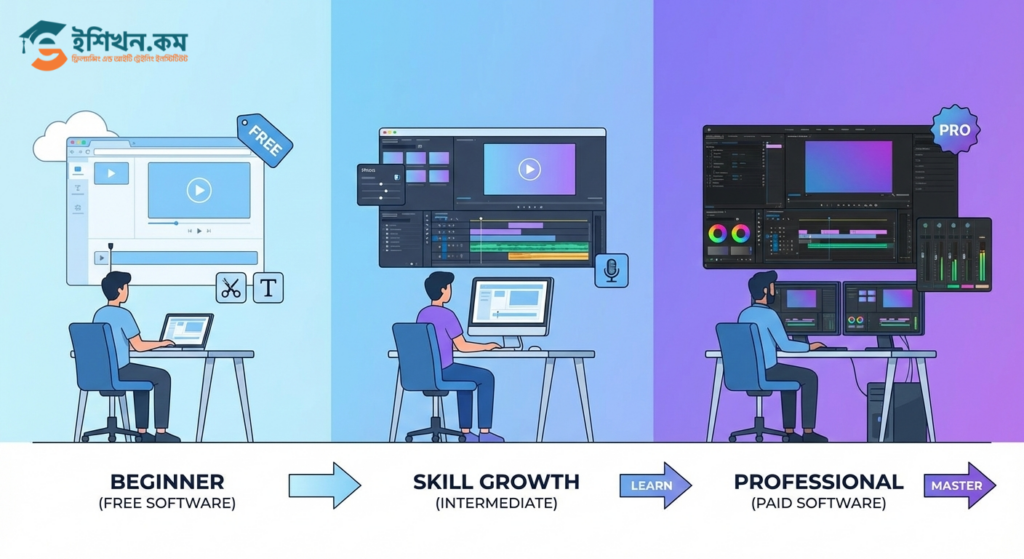
- When and why to switch from free tools to paid video editing software
This course is ideal for anyone considering what beginners should do when it comes to whether to use free or paid video editing tools, with a view to acquiring skills in their future career.
Conclusion
Now it’s your decision, after read Video Editing Free vs Paid Software Pros and Cons. When it comes to free or paid video editing software for beginners, no single choice is right for everyone. Free tools are perfect for learning and small projects, while paid software offers power, flexibility and professional results.
Understanding your needs, budget and future goals will help you decide between free online versus paid video-editing software.
Start simple, learn consistently and upgrade only when your work demands it.
Visit the eShikhon Blog page for more helpful guides, tips and the latest updates.
Frequently Asked Question
Free tools can help you practice and build basic skills, but most freelance and client work requires paid software for better quality, flexibility, and professional output.
Long videos, high-resolution projects, cinematic content, and client-based commercial videos are usually not suitable for free online editors due to feature and export limitations.
No, moving from free tools to paid software is not difficult. Basic editing concepts like trimming, transitions, and timelines remain the same. Paid software simply offers more control and options.
Paid tools mainly improve flexibility and control, but they also allow editors to explore creativity more deeply through advanced effects, color grading, and custom workflows.
For beginners, free tools are enough to start a YouTube channel. As the channel grows and content quality becomes important, paid video editing software becomes a better choice.